
On site
Everything you need on the job
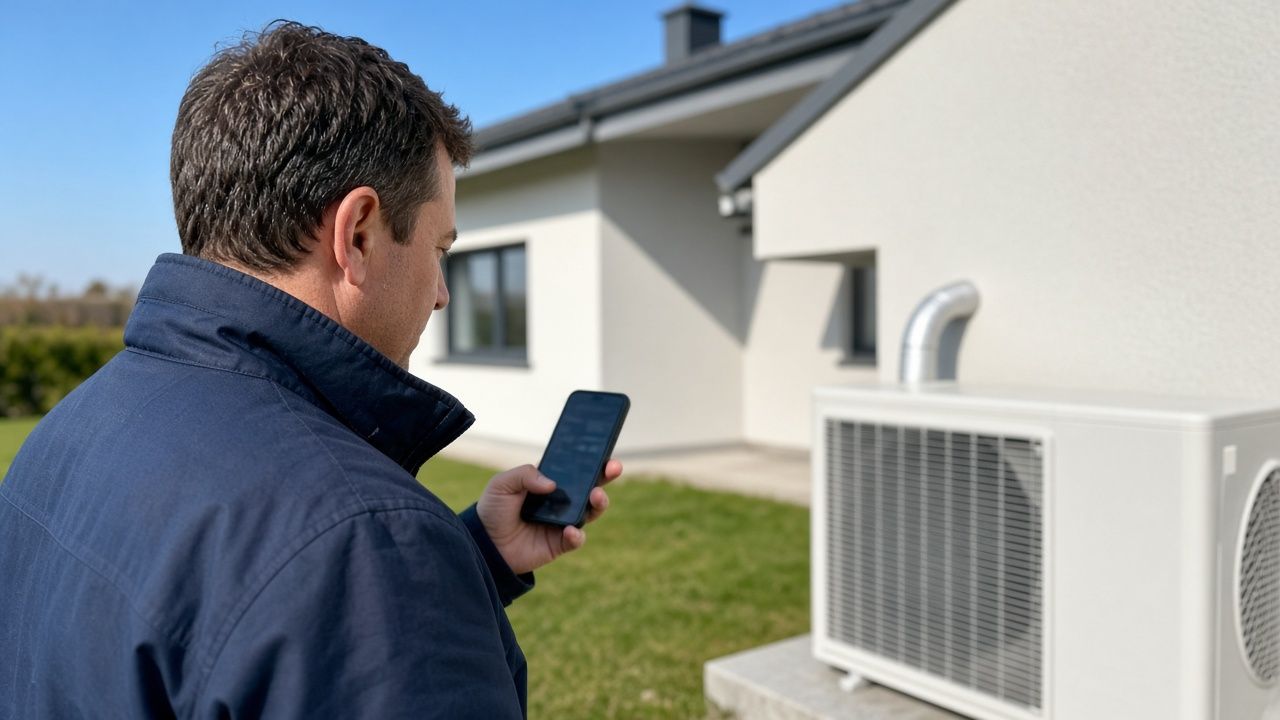
Today's plan, the customer's number and the route there are on your phone. Photos and notes save right away, even in a cellar with no signal.
- Today
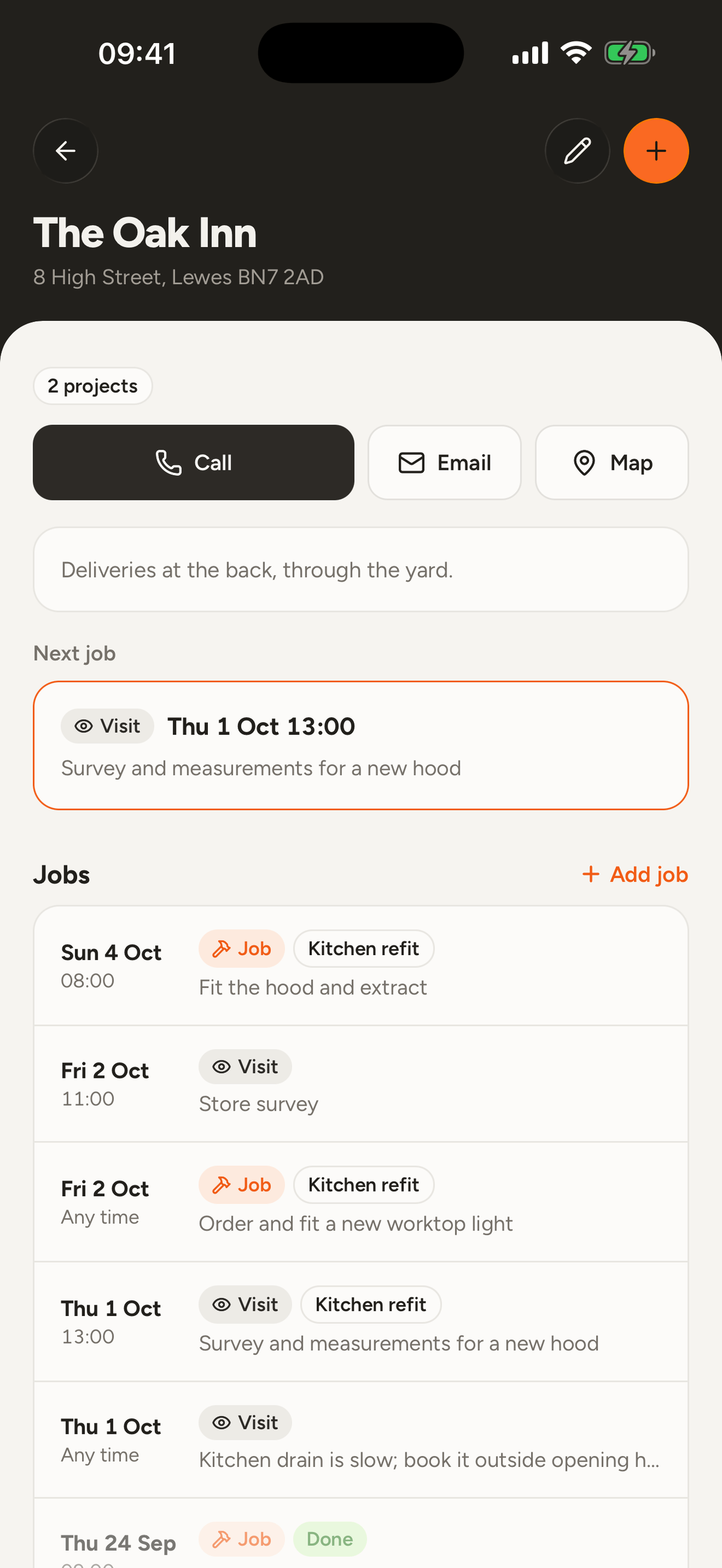
- Open the app and see what is on today. Call, route and finishing the job are right there with every job.
- Swipe to finish
- Finish a job or push it to tomorrow by swiping it aside. No digging through menus.
- Photos from site
- Up to six photos per entry. They are shrunk before they are sent, so they get through on a weak connection.
- Notes and documents
- Write a note or add a document. Everything stays with the customer and with the job.
- Search with a pull down
- Pull the list down and search customers and jobs at the same time.
Nothing gets lost without a signal
A new job, a photo or a finished job is saved on the phone first. Once the signal is back it is sent on its own, even if you closed the app in between.
- You can keep working with no signal.
- The top of the screen tells you when you are offline.
- You never have to send anything by hand.

ChatGPT and Claude
Run the workshop by talking
Connect Paca to ChatGPT or Claude. Ask the assistant what's on tomorrow, tell it about a new job or dictate a quote, and it writes it all into Paca, with your rights and nothing more.
AssistantScheduling
The week you can see at a glance
See your jobs by the day or the whole week. Drag a job to move it, and the app warns you if it overlaps another one.
SchedulingStart with next week
Open an account without a card, add your first customers and lay out the week.