
Run the workshop without the notebook.
Jobs, customers and quotes in one place, on your phone on site and on the computer in the office.
No card, no lock-in.


To start
3 months free
For the whole crew, not just you.
Everything included
- Scheduling
- Waiting list
- Customers
- Enquiries
- Quotes
- Materials list and use
- Team
- Phone app
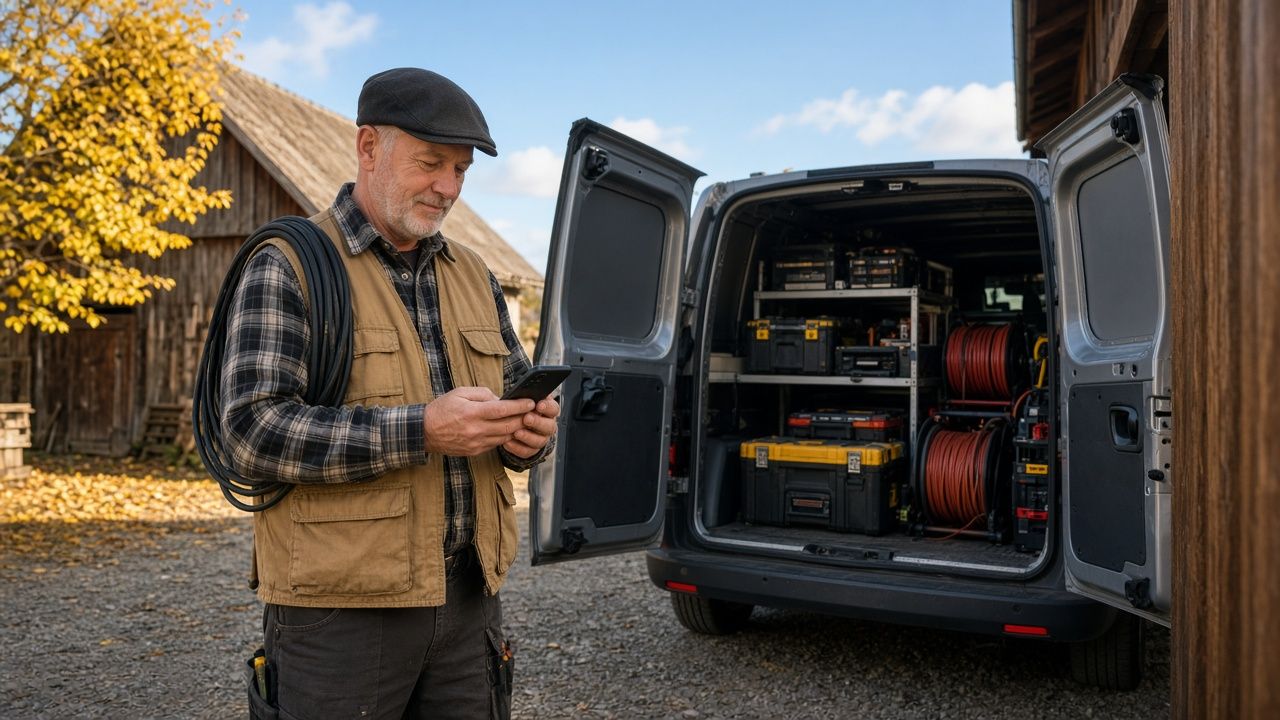
For trades that work in people’s homes
- Plumbers
- Electricians
- AC fitters
- Heating engineers
- Tilers
- Joiners
- Roofers
- Painters
New · ChatGPT and Claude
Say it, and it's written down
Connect Paca to ChatGPT or Claude and talk to the assistant like a colleague in the office. Ask what's on tomorrow, mention a new job or dictate a quote, and the assistant writes it all into Paca.
- “What's on tomorrow, and where?”
- “Write down a job for Nina Bregar, the bathroom tap is leaking.”
- “Who still owes us money?”
In ChatGPT you can just talk, when your hands are full.
How it works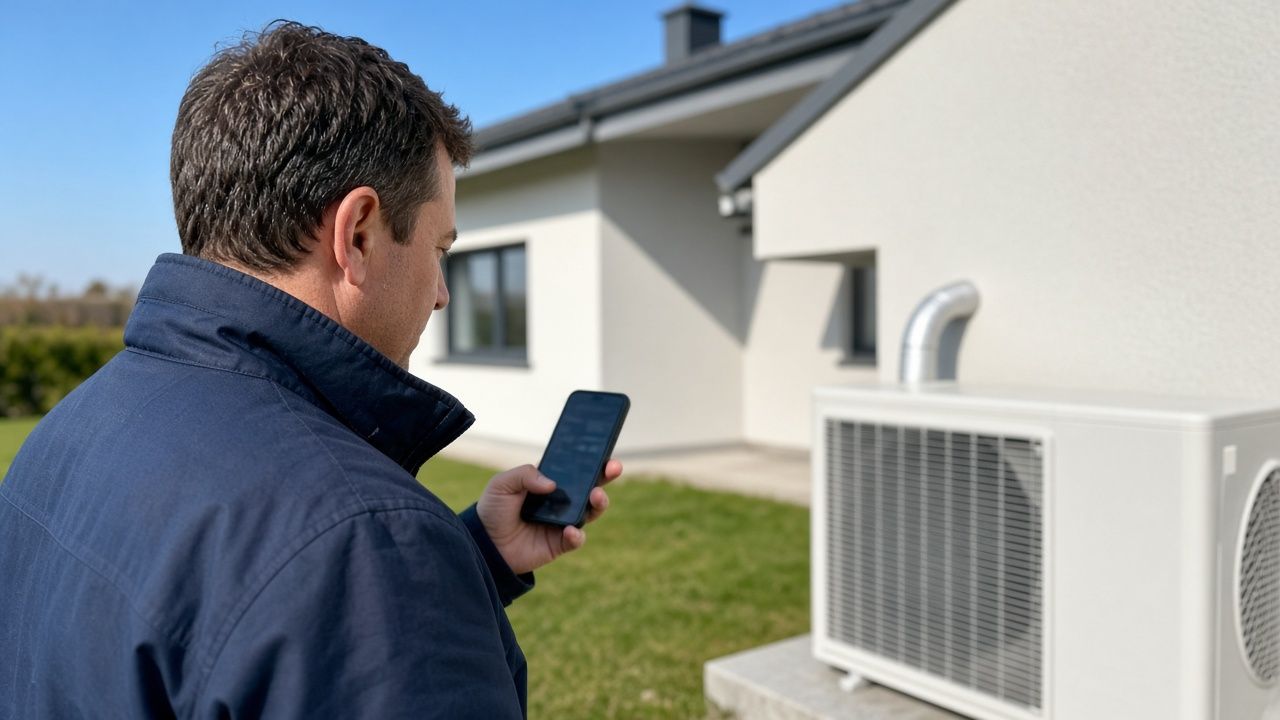
On the phone
The workshop in your pocket
The phone app is for the day on site, when the computer is back at the office. This is what a day looks like.

9:40
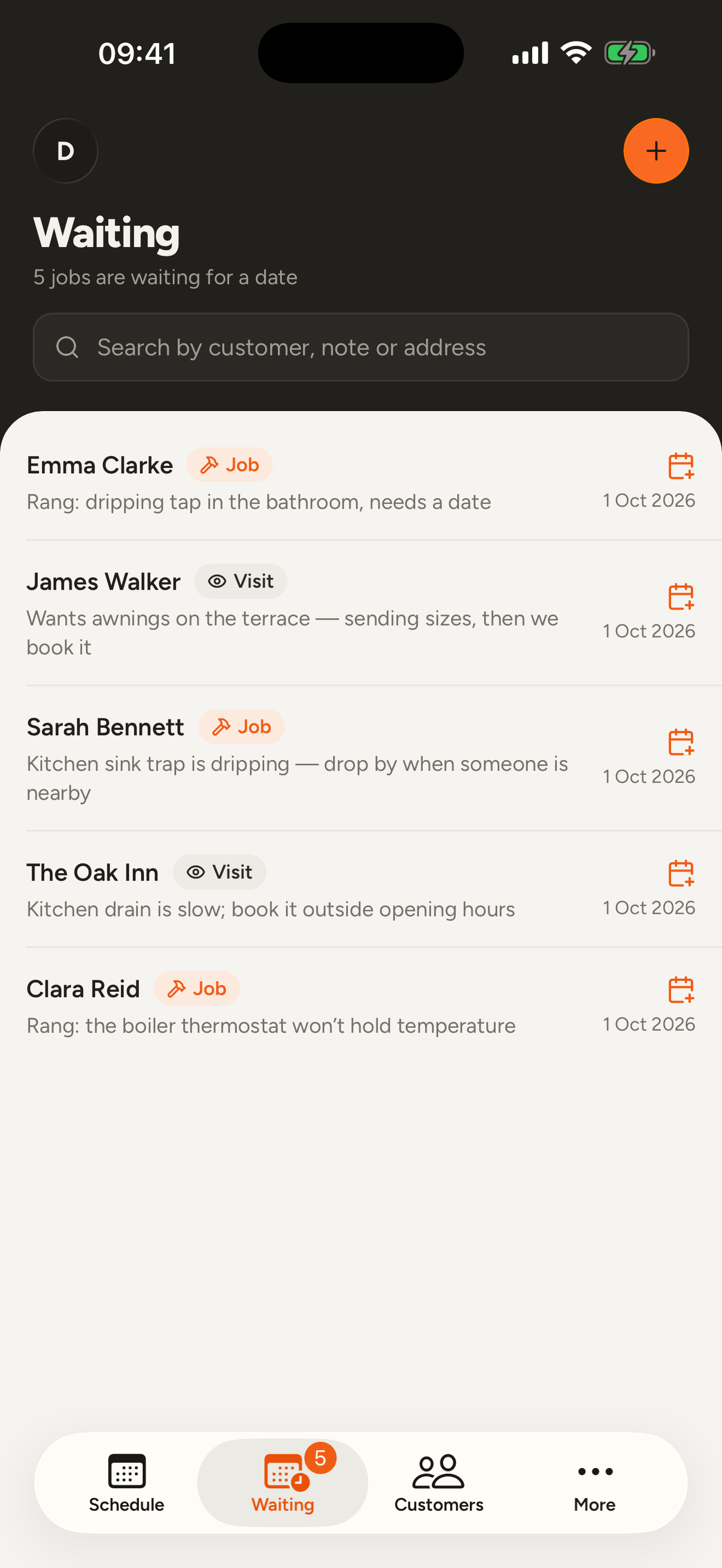
The phone rings
You are up a ladder and the customer is explaining what they need. Write the job down quickly and pick the day this evening. Until then it waits on the Waiting list.
11:15
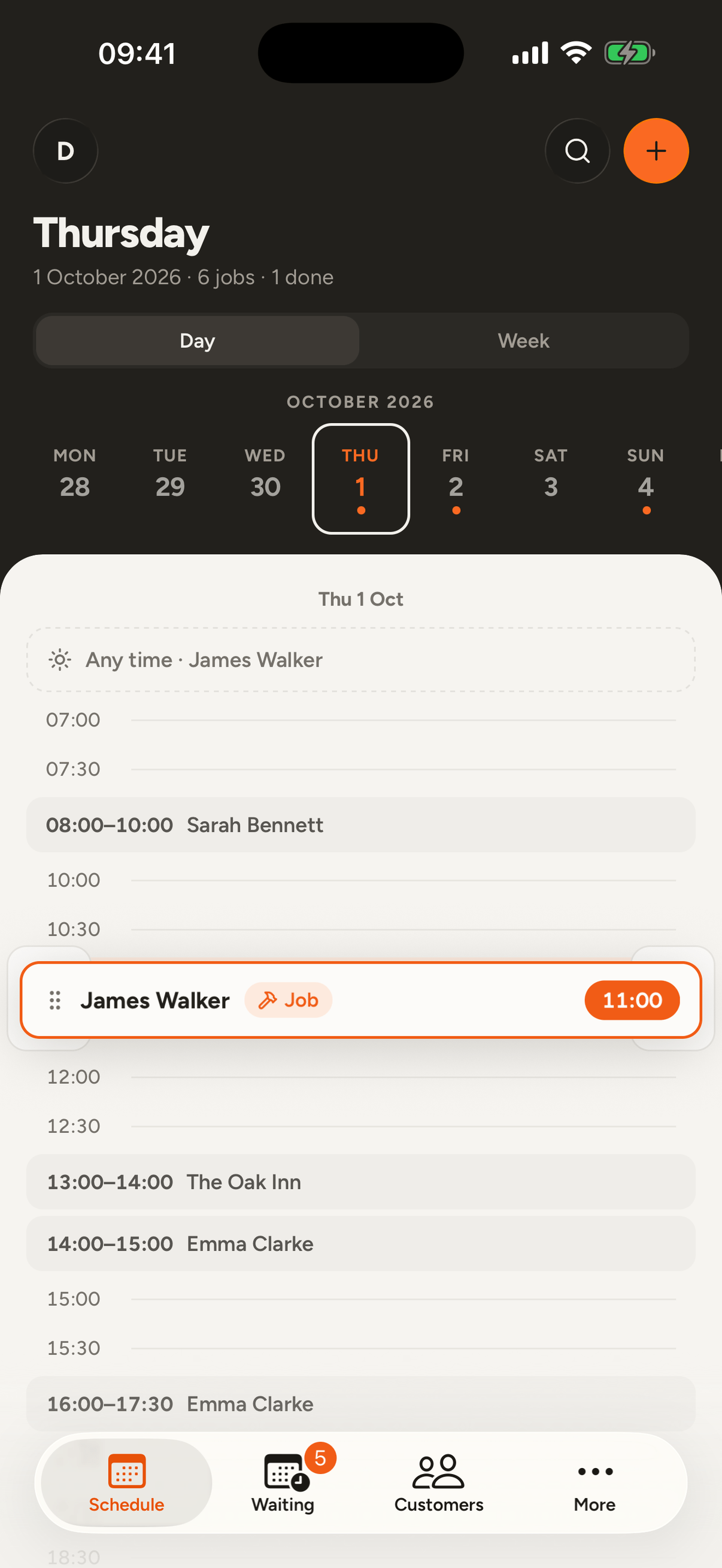
The day slips
A job runs longer than you thought. Hold the next job and drag it to a later hour.
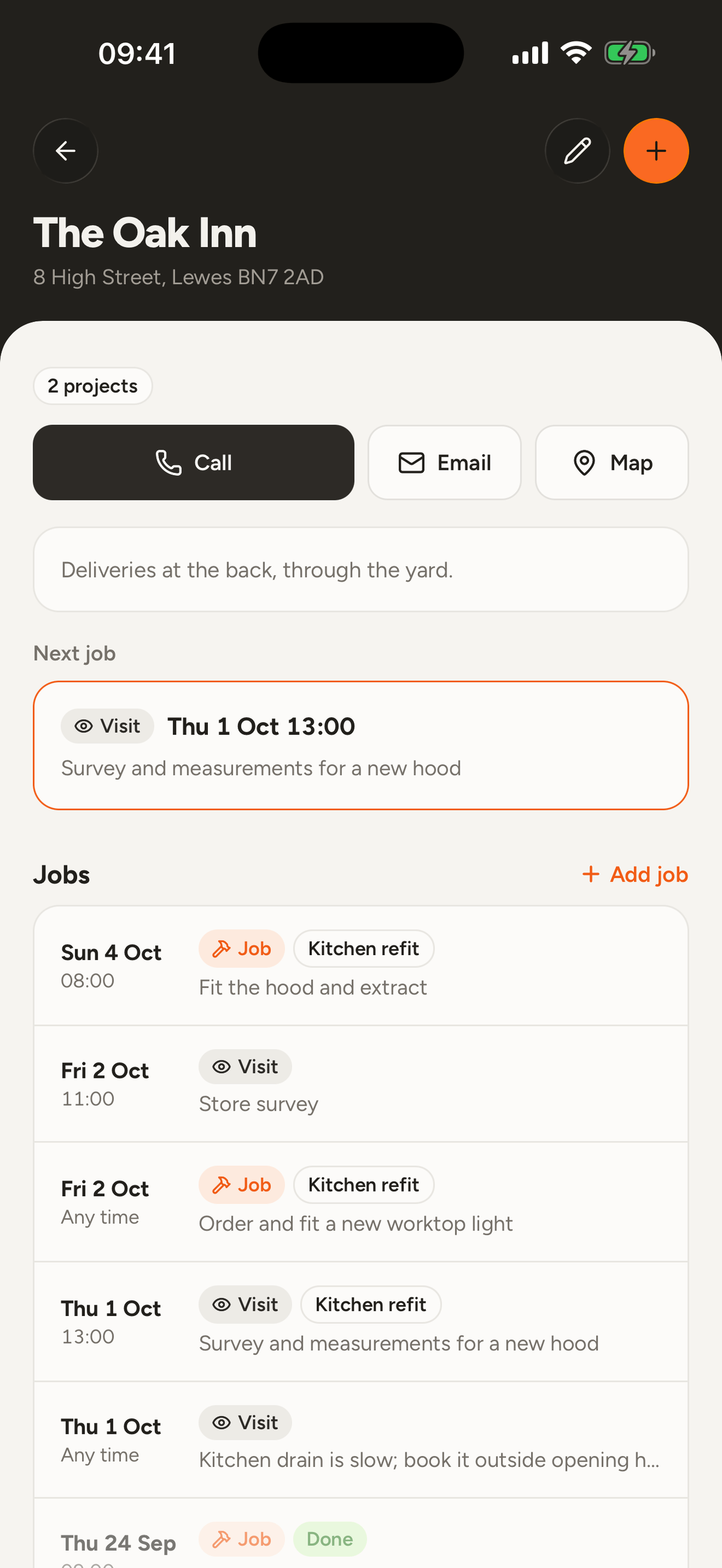
14:30
At the customer's
The number, the route to the door and what you agreed last time are all with the customer. Photos and notes save right away, even in a cellar with no signal.
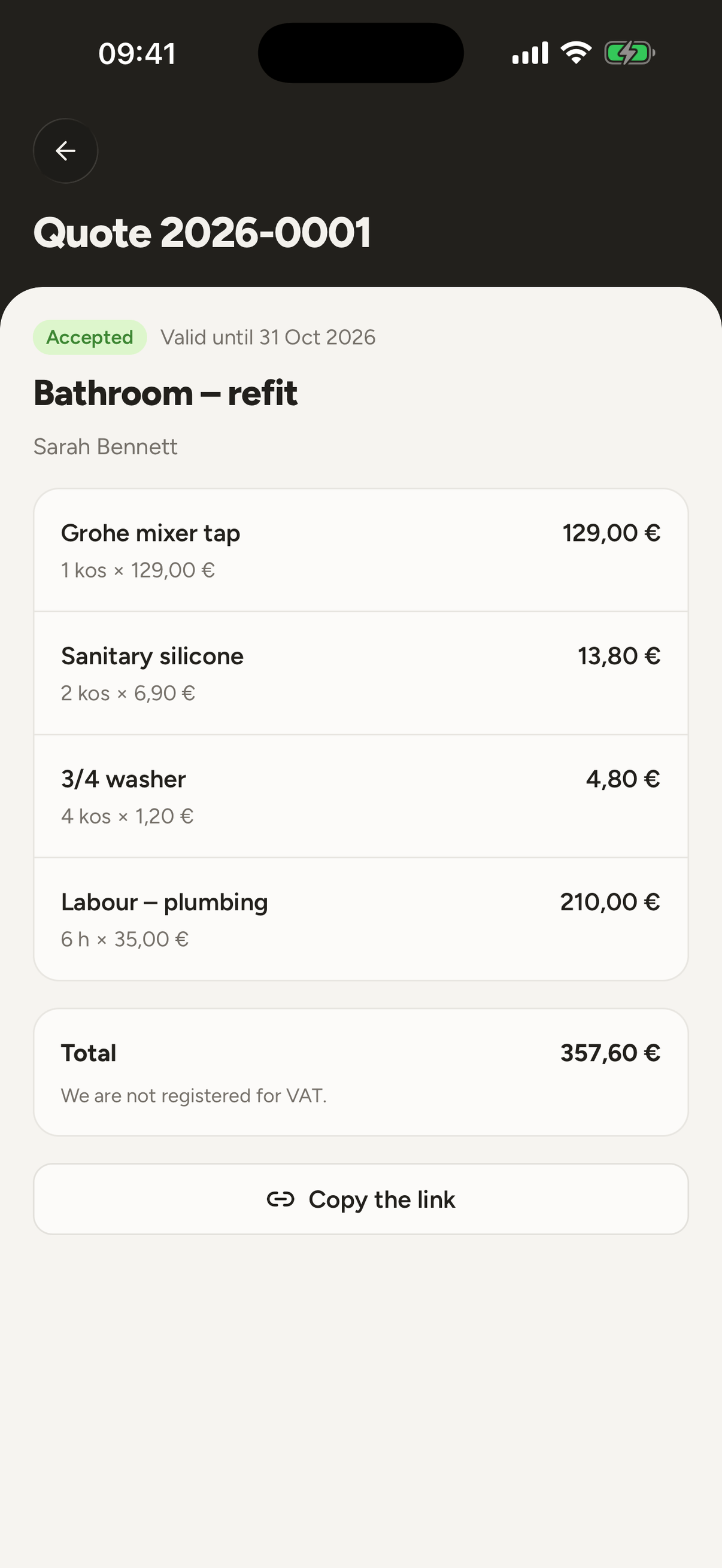
19:30
Evening, at the table
Write the quote and send it. The customer opens it on their phone and answers with one tap.

Scheduling
See the whole week at a glance
See every job by day and hour. Drag a job to move it, and the app warns you if it lands on another one.
More about scheduling
Customers
Every customer has one file
Phone, address, notes and every past job in one place. Search finds Češnik even when you type cesnik.
More about customers
Enquiries
Enquiries that do not get lost
Add a form to your website or share a link to it. Every enquiry lands in the app, and one click turns it into a customer and a quote.
More about enquiries
Quotes
A quote from the list you already have
Take a photo of the list from the site visit and Paca copies out the lines automatically, with prices from your past quotes. The customer opens the quote on their phone and answers with one tap.
More about quotes
Materials
Know what to take, and what you used
Before a job you write down what it will need. Afterwards one tap records what you actually used, and you correct only what was different.
More about materials
Team
The crew knows their day
Invite colleagues by email and give them jobs. See the day by person, and if you prefer, everyone sees only their own jobs.
More about the team
You can start today
Add your customers, lay out the week, write down what happened on site. Nothing to set up first.
- 01
Add your customers
Name, phone and address. Pick the address from the suggestions so navigation takes you to the right door.
- 02
Lay out the jobs
Click a free hour in the schedule and add a job. If the time is not agreed yet, add it to the day without a time.
- 03
Write down what happened
Add a photo, a note or a document. Next time you know exactly what you saw and what you agreed.
Made for small workshops
Made in Slovenia for small workshops. It handles accented names, works in euros and keeps working where there is no signal.
English on the phone
The phone app is in English, Slovenian and Croatian. The desktop version is in Slovenian for now.
Search handles accents
Type zabukovsek and it finds Žabukovšek. Find a number by its last three digits.
Euros and local time
Prices in euros, the calendar on Central European time.
No signal
In a boiler room, in a cellar or out in the country. What you write is saved on the phone and sent on its own once the signal is back.
Common questions
Does it really work with no signal?
On the phone, yes. What you enter with no signal is saved on the phone and sent on its own once the signal is back. On a computer you need a connection.
Can I use Paca with ChatGPT or Claude?
Yes. Connect Paca to ChatGPT or Claude, then ask the assistant what's on tomorrow or tell it about a new job. In Paca the assistant has your rights. It sends customers nothing and deletes nothing.
What languages is it in?
The phone app is in English, Slovenian and Croatian. The desktop version is in Slovenian for now.
How do I add a colleague?
Enter their email in settings and they get an invitation. Once they sign in they are in your workshop. For the first 3 months colleagues cost nothing either.
Can I put the enquiry form on my own website?
Yes. Switch enquiries on in settings and you get a link to the form. Add your website's address and you also get the code for it. Every enquiry lands in the app and you get a notification. The form on your website is in Slovenian for now; the page behind the link follows the visitor's language.
What can it not do yet?
There are no card payments, no cash register and no time tracking yet. Invoices are for workshops in Slovenia only, paid by bank transfer. If you miss something, write to support@pacahq.com.
Can I take my data with me?
Yes. We export it for you whenever you ask. Write to support@pacahq.com.
How do I sign in?
With a code sent to your email, or with a password. Google and Apple also work.
How do I delete my account?
In the app, under Settings > Account, with a confirmation step. If you work alone, deleting your account permanently deletes the whole workshop and everything in it. If you are in a team, we erase your personal data and remove you from the workshop, while the workshop's own records stay. The privacy page explains it in full.
Start with next week
Open an account without a card, add your first customers and lay out the week.