Build your house without a mountain of paperwork.
Photos, quotes, invoices and your contractors' dates in one place, on your phone, on site and at home. Paca Home also keeps a running total of what you have paid and whether the money will be enough.


For new builds and renovations. Contractors don't need the app.

The whole house in four folders.
Just like the Home screen in the app: photos, money, documents and contractors, each in its own place.
Gallery
Every room has its own album. Pipes and cables, before the plaster covers them.
Photos of pipes and wiringMoney
Your estimate, your sources and every bill you paid. You always know if it will be enough.
Construction costsDocuments
Eko sklad and the use permit, item by item, each with its source.
Grants and permitsContractors
Who did what, when they are coming and what they charged.
Contractor photos
Stages of the build
Already in the middle of building?
No problem. You start where you are and add things from today on.

Construction costs
Always know whether the money will be enough.
Enter what you think the house will cost and how you will pay for it: savings, a loan, help from your parents, a grant. Every invoice you mark as paid is added on its own, so you always see where you stand.
- You enter the estimate yourself. Paca never suggests prices.
- Each of you enters how much you save a month until you move in.
- Contractors never see your figures.
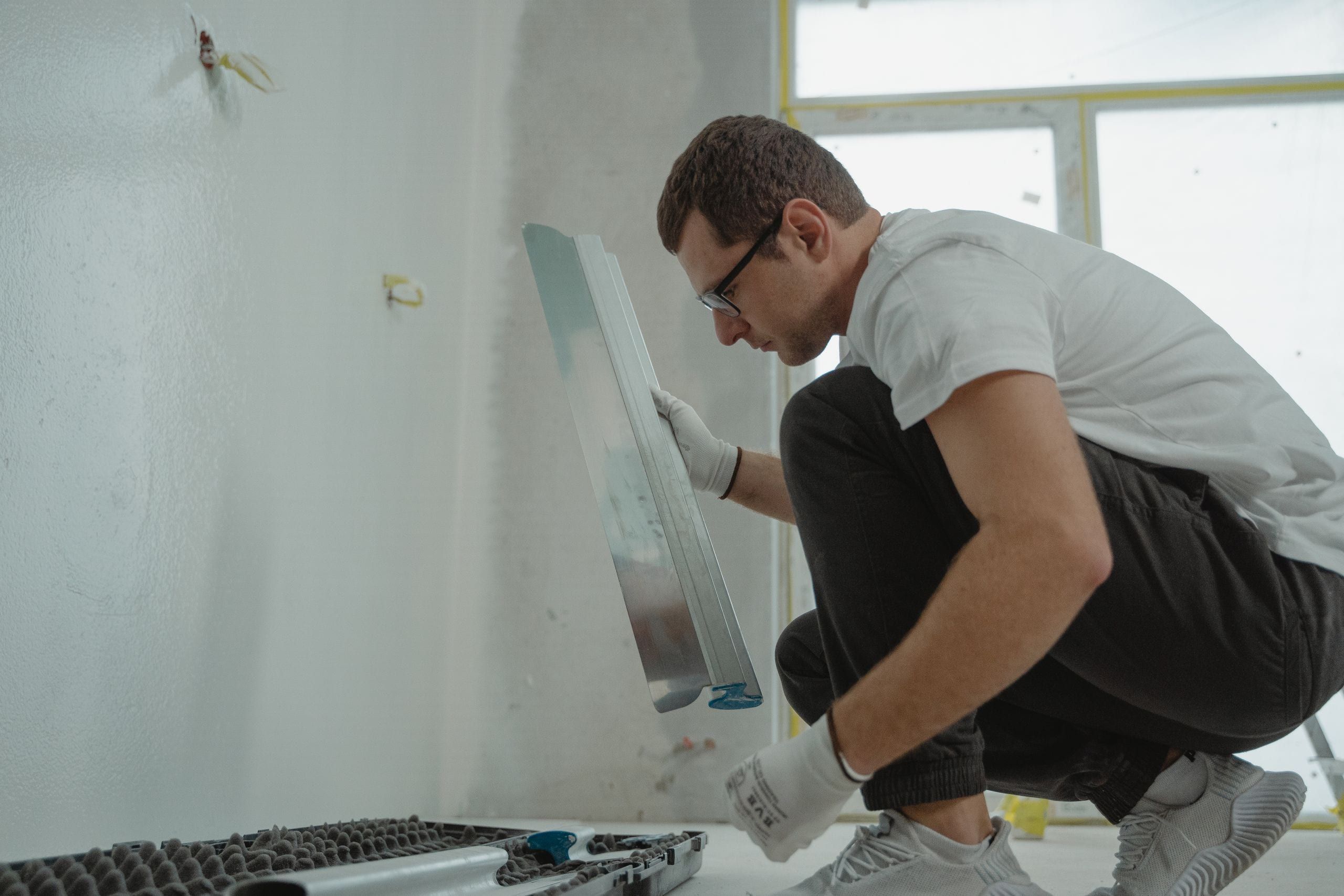
Contractor photos
Your contractors send you the photos themselves.
Stick a sticker with a code on the door frame. The contractor scans it with their phone and sends you photos, a quote or an invoice. They need no app and no account.
- Everything comes to you first. You decide what goes into the house file.
- The first time a contractor sends something, they are added to your contractors.
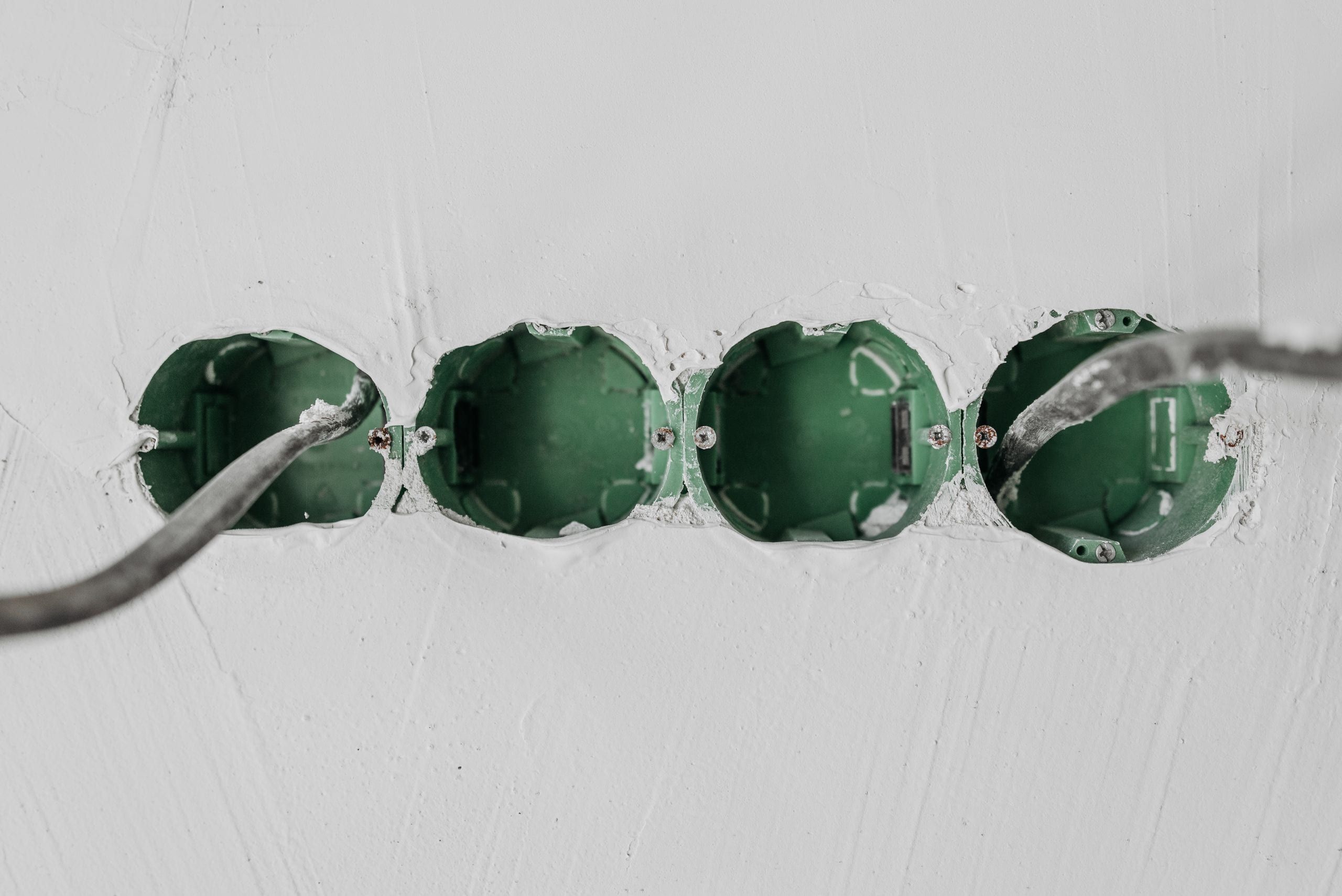
Photos of pipes and wiring
Ten years on, you will still know where the pipe runs.
Photograph the pipes and cables before the plaster covers them. Each photo goes into the room you choose. Years later, when you drill in the bathroom, you will know where not to.
Contractor dates
Always know who is coming tomorrow.
When you agree a date with a contractor, you put it in the calendar. Once a contractor on Paca Pro links the job to your house, their dates show up on their own.
Save that contractor's quote or invoice to your house file with one tap. There you also see whether the invoice has been paid.
Run a trade business? Paca Pro is for youGrants and permits
Eko sklad grants and the use permit, without the guesswork.
A list tells you what to sort out before the work, during it and after it. Each item links to its source and says whether the law requires it.
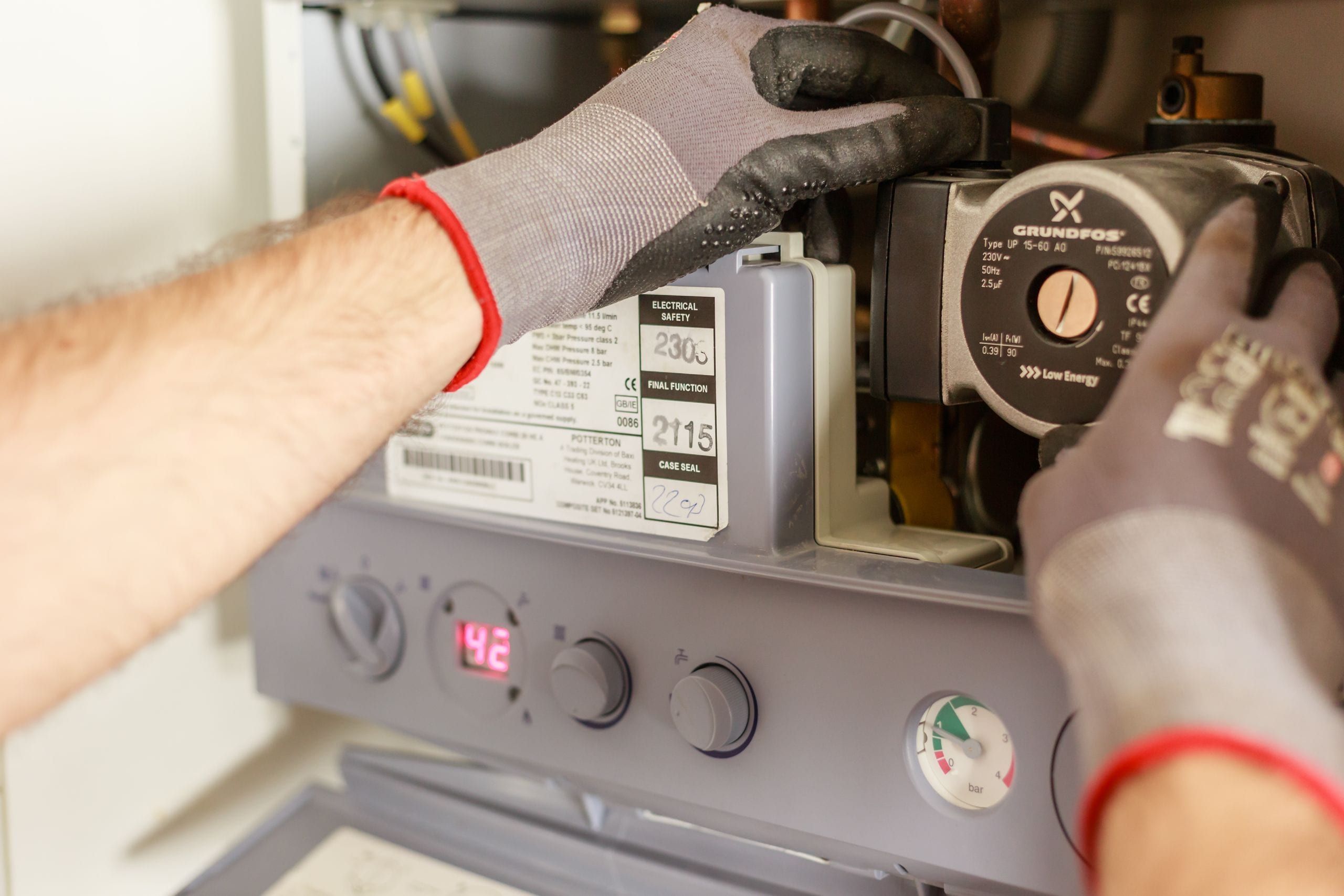

Warranties and servicing
You will not forget the boiler service.
Mark what you have in the house, such as a gas boiler or a heat pump. Paca Home reminds you of servicing and inspections and tells you which ones are required. The warranties from your contractors and on your appliances are in the same place.
And also
A few more things that come in handy.
Partner, architect, site supervisor
Invite them to the house. The architect and the supervisor see the photos, the documents and the calendar, but not the amounts.
Export the house file
When you sell the house, you hand the new owner every photo and document, sorted by stage.
ChatGPT and Claude
Connect an assistant to your house file and ask it, say, who did the bathroom. It sees only what you see.
Four languages
Slovenian, Croatian, German and English. Everyone picks their own.
On your computer too
Open the house file in a browser as well, with the same account as on your phone.
Up to five houses
Your own house, the holiday home and your parents' house, all on one account.
Questions
Frequently asked questions
Do contractors have to install the app?
No. A contractor scans the code on the sticker and takes photos with their own phone, with no app and no sign-in.
Who sees our amounts?
You and your partner. An architect or supervisor you invite does not see amounts. Contractors never see them.
We have already started building. Is it too late?
No. When you add the house, you pick the stage it is at and add things from today on. You can add older invoices and photos at any time.
Does Paca suggest prices?
No. You enter the estimate yourself. For a new build in Slovenia, Paca splits it across the stages by the usual shares and tells you where those come from.
What happens to the house file when we sell the house?
You export it and hand it to the new owner.
Start with the first photo.
Create your house and add things as you go. Invite contractors with a sticker and your partner with a link.
Run a workshop? Paca Pro is for you